
Description
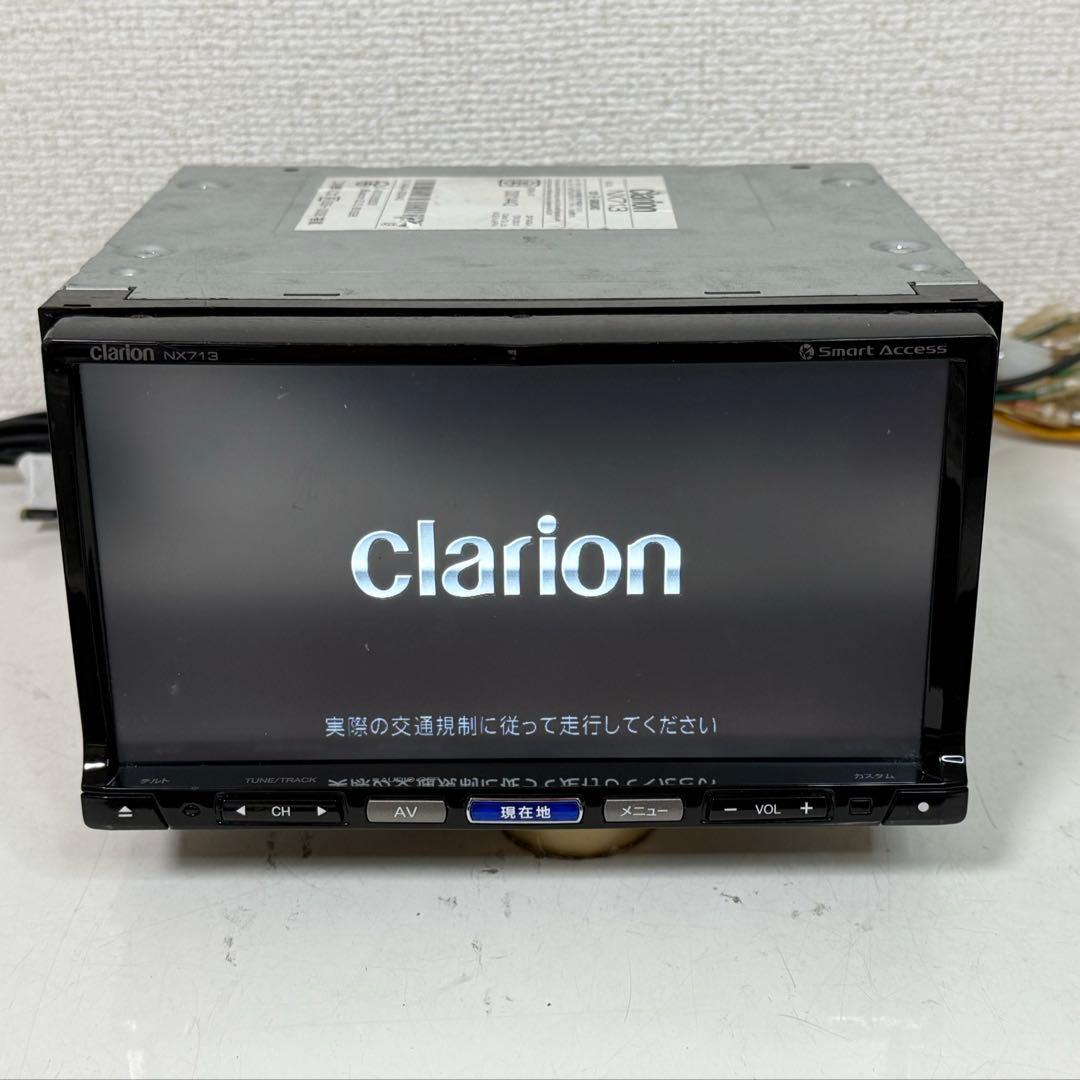
Clarion NX713 SD card and password unlock
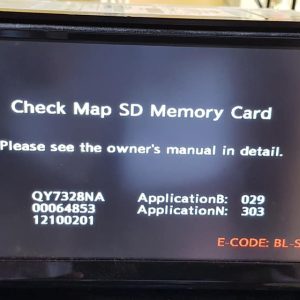
We can arrange unlock code for Clarion NX713 SD card and password unlock solution from dealer. For process and other necessary information please contact with our support team by What’s app or Viber for faster reply. Just text/call us to any of the following number and you will get instant reply from our support team:
#NX713 QY7440
And more
 WhatsApp/Viber:
 Email: [navigationunlocker@gmail.com]
- Media & Smart Access: Supports USB playback of MP3, WMA, AAC, MPEG-4, and H.264 files. It is compatible with Clarion’s Smart Access cloud service and the smartphone app “NaviCon” to transfer points of interest to the car navigation.
- Audio: Supports “Intelligent Tune App” functions like Smart EQ and Dynamic Range Expander for fine-tuning sound directly inside your vehicle.
- Map Updates & Support: As a discontinued model, official updates and support documents can be found on the Clarion Support page. Map data runs on a dedicated Map SD Card
- The new model, NX713, is a high spec navigation device designed to realize seamless services to users combining Clarion’s uniquely developed cloud-technologies for vehicles, Google’s speech recognition technology and Google Places API with abundant point-of-interest information. The newly developed “Intelligent VOICE,” free narration type destination search functionality, can search necessary information from Internet even if incompleted information is input by voice search function. The information to be searched for is updated from time to time and, it is possible to read the newest review information in addition to needed facility information.
-
Product Specifications
- Model: NX713
- Model: NX613
- Screen: 7-inch VGA Digital Terrestrial TV
- Features: DVD/SD AV Navigation
- Manufacturer: Clarion Co., Ltd.
-
Installation
Installation and wiring of this unit require specialized skills
and experience. It is recommended to have the installation done at
the store where you purchased the unit. After installation is
complete, provide the Installation Instructions to the
customer.Safety Precautions
For safe and proper use, follow these guidelines:
- Do not obstruct forward visibility or driving operations with
the unit. - Avoid installing in locations subject to rain, water, humidity,
or dust. - Ensure the unit is securely fastened to prevent accidents or
injuries. - Exercise caution when drilling holes for installation to avoid
damaging pipes or wiring.
Power Connection
When connecting the power terminal to a battery, use a cord with
the specified capacity to prevent fire or electric shock.Airbag Equipped Vehicles
If installing in a vehicle with airbags, ensure it does not
interfere with the airbag system’s operation to prevent accidents
or injuries. - Do not obstruct forward visibility or driving operations with
Nissan has a wide range of product model available. We can arrange SD card and unlock c0des solution from dealer for few models from the following list. Contact our support team by Whatsapp/Email for knowing the availability.
To learn more model check following link
Clarion NX711 SD card and password < Car Multimedia Unlock Service
Instruction manual


Reviews
There are no reviews yet.